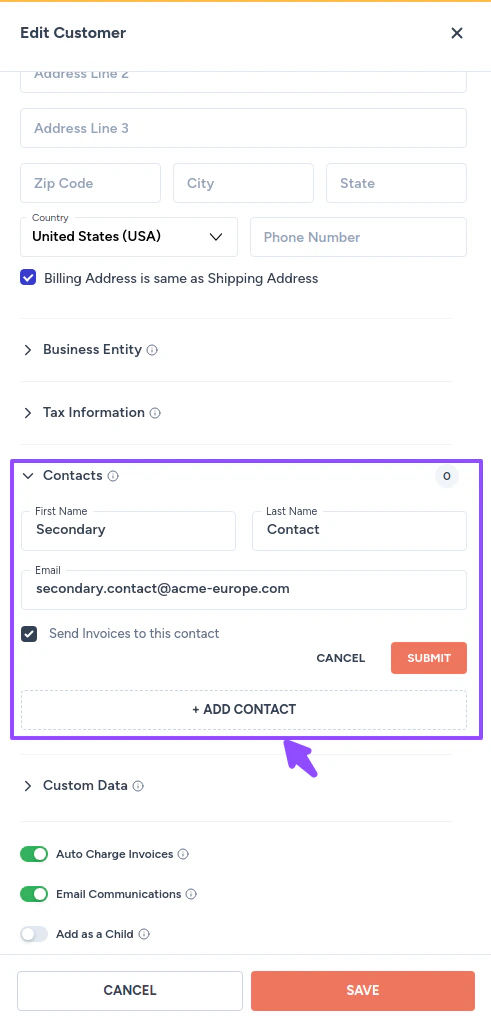
A customer can have multiple contacts. The primary contact is set when the customer is created. Secondary contacts can be added afterward and configured to receive specific types of communications, such as invoice copies.Documentation Index
Fetch the complete documentation index at: https://docs2.zenskar.com/llms.txt
Use this file to discover all available pages before exploring further.
Add a secondary contact
- Navigate to Customers in the left sidebar.
- Click the row for the customer you want to update.
- On the View Customer page, click the kebab menu next to the Edit button and select Manage Secondary Contacts.

- Click + ADD CONTACT.
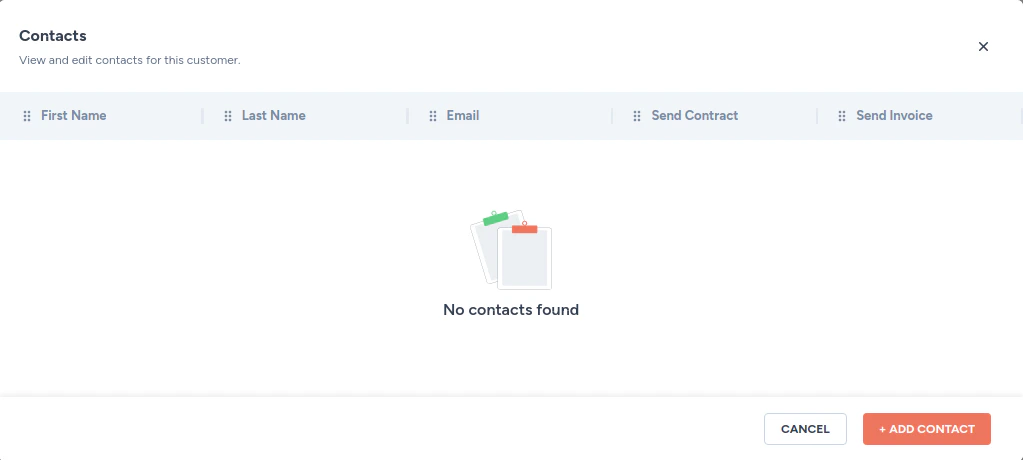
- Fill in the contact details and click Save.